 WordPress
SVG Translate
Translate text inside your SVG files. Import, detect texts, translate in one click, and integrate via shortcode.
Why translate SVGs?
Many SVGs contain text elements (labels, titles, descriptions) that remain untranslated when your site is translated. Charts, diagrams, certificates, infographics - any SVG with text needs to be translated too. SVG Translate detects these text elements and translates them via TrueLang, like the rest of your content.
How it works
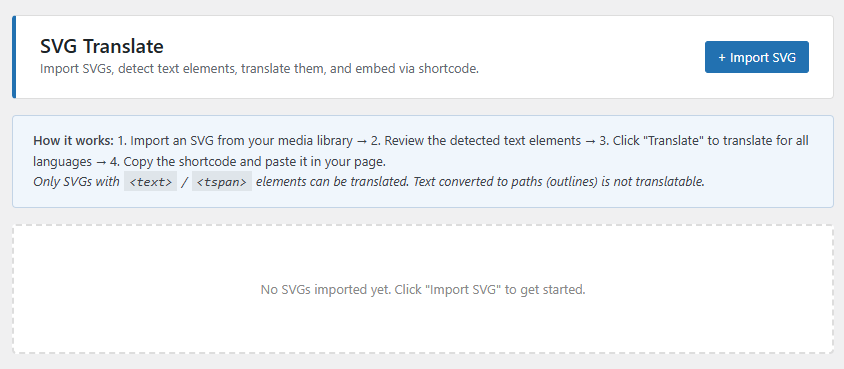
Import your SVG into the plugin (TrueLang > SVG Translate)
The plugin scans and lists all text elements found in the SVG
Click Translate to translate all texts for all your languages in one click
Copy the shortcode and paste it in your page - the SVG displays with translated text automatically
What can be translated?
Translatable
Not translatable
Features
Important: text must remain editable
SVGs exported from Figma, Illustrator or other design tools with the "Vectorize text" or "Convert to outlines" option cannot be translated - the text has been converted to geometric shapes and is no longer readable. Ask your designer to re-export the SVG with the "Keep text" option enabled.
Bonus: SVG upload everywhere
In addition to translation, the plugin enables SVG file upload throughout the WordPress interface, including Elementor, Bricks, Breakdance, Divi and other page builders. SVGs are automatically cleaned on upload to remove any potentially dangerous content.